Dave, over at
Clearer Reflections, is hosting the first chapter of "Dave's Apps Recipe Book Project", an online collaboration. He will be posting links to all the participants and there will be lots to discover. Be sure to check it out tomorrow!
Participants are to post a pic created using a iPhone/iPad/Android-based phone camera and apps. Pics can be of any subject and any app(s) can be used... the only stipulation is that the image must be done all "in-phone". Along with the image, participants are to reveal how they created it, with the specific "recipe".
Here is my contribution - a day early - as I will be attending the opening of our joint art exhibition
"Impression | Expression" this evening and won't be back to blog in time.
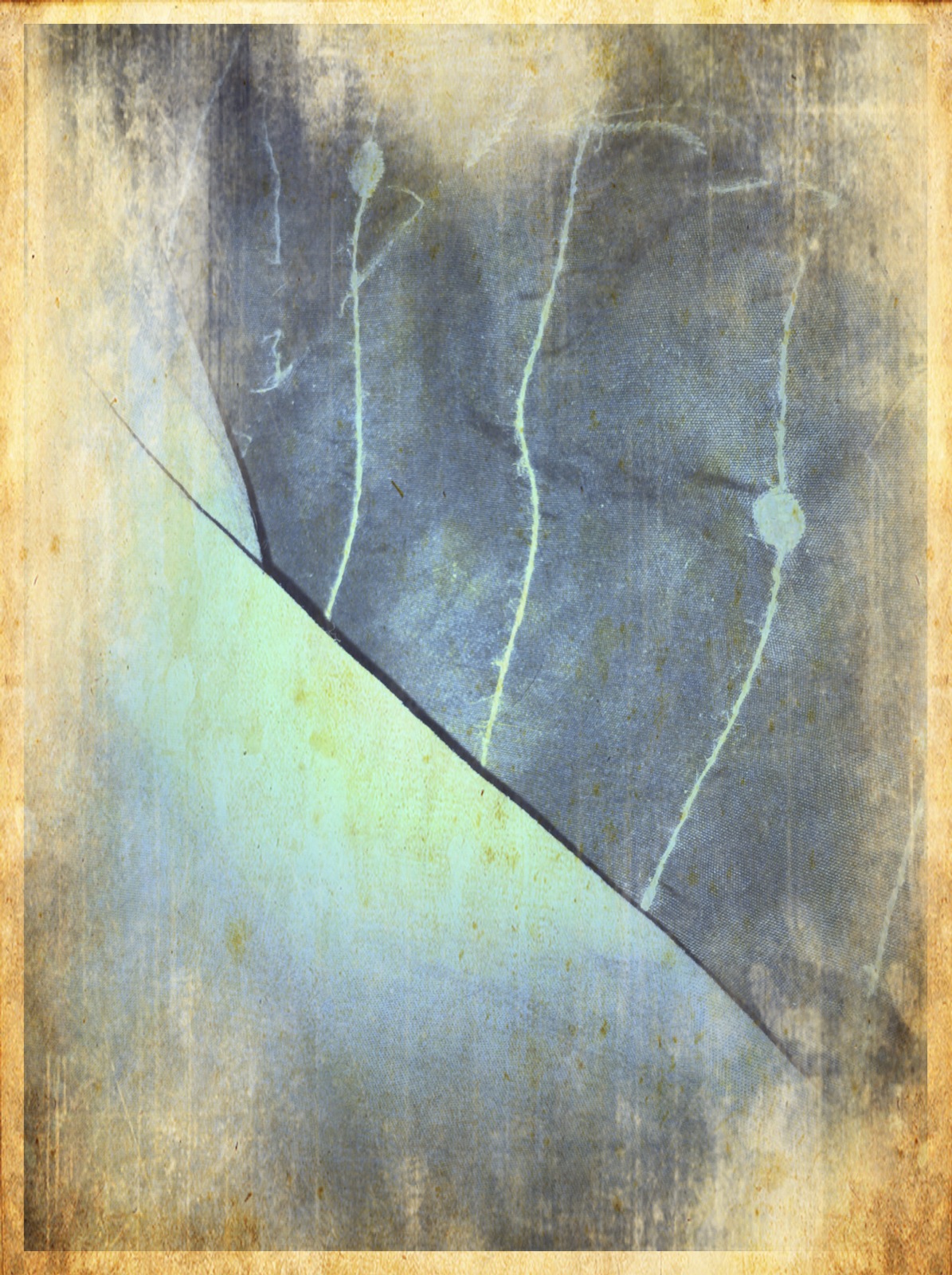
I used two images, taken with my iPhone 4 and altered with Apps to create what I call my Altered Image:
 |
| Image#1: reflection of gothic window in Cirque Room |
 |
| Image#2: Costume Balls, made for Cirque du Soleil |
 |
| Result: Altered Image "Ephemeral World" |
My Recipe...
STEP ONE
Open Image#1 in Photo fx
Choose SpecialFX > Color Looks > Cool Desaturated (Amount 100%)
Save
STEP TWO
Open new Saved image in Iris
Choose Adjustments > Layers > Set Layer as Base
Open Library > select Image#2
Choose Adjustments > Layers > Blend with Base > Blend Mode: Lighten, (Opacity 100%), Use the Image Mask
Save
STEP THREE
Turn image right way up in Camera Roll (Edit) > Save
STEP FOUR
Open new Saved image in picfx
Choose Grunge > Rough Grunge
Save
STEP FIVE
Open new Saved image in 100Camerasin1
Choose "looking sideways, a clever smile" (50%)
Save
STEP SIX
Open new Saved image in Iris
Choose Dust 'n' Scratches > Grunge Frame > Rust (100%) > Apply
Save
VOILA!!!
Thank you,
Dave, for hosting this wonderful project!
And, thanks again, Steve Jobs. I love creating with all the innovative tools you have given to this amazing world. Thank you too, Larry, for giving me the ebook of Steve's bio. I am really enjoying reading it on my iPad :)